
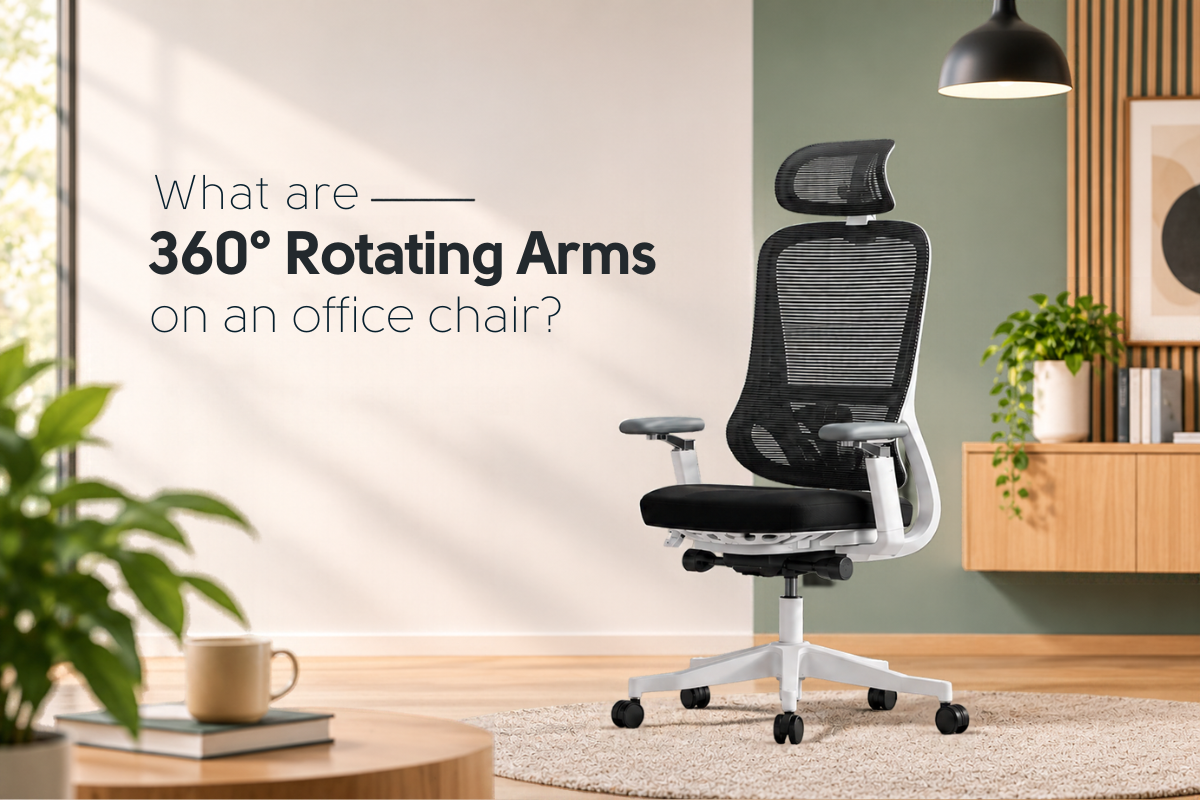
Rotating arms are armrests that turn through a full circle, so they can follow your forearms instead of staying fixed in one position. On a chair like the Everything Chair Ergo, they are designed for people who move between a keyboard, a phone and a tablet during the day, rather than sitting square to a single screen.
If you have only ever used fixed armrests, the idea can sound like a gimmick, so it helps to know what they actually do.
What does a 360° rotating arm actually do?
A standard armrest moves up and down, and often in and out. A rotating arm adds the ability to swivel, so the pad can angle inwards, outwards or sit straight, wherever your forearm naturally ends up. On the Everything Chair Ergo the arms also adjust widely in width, so you can set them close to your body or further apart.
The idea is simple. Your arms are not always parallel to the desk. When you type they sit straight ahead, but when you hold a phone or scroll on a tablet, they drift inwards. A fixed pad cannot follow that movement. A rotating one can.
How do rotating arms feel in everyday use?
Most people notice the difference in small moments. You pull the chair in, angle the pads slightly inwards, and your forearms settle without you having to hold them up. When you lean back to read something on a tablet, the pads turn with you rather than catching your elbows.
They also suit shared desks. Two people can each find their own arm position in a few seconds, which is handy in hybrid offices across the UK and Ireland where one chair often serves more than one person.
Quick test: pick up your phone while sitting at your desk. If your forearms naturally angle inwards and your armrests do not, rotating arms are probably worth a look.
Who are rotating arms best suited to?
- People who switch between a laptop, a tablet and a phone during the day.
- Hybrid workers who use one chair for typing, calls and reading.
- Shared desks and hot-desk spaces where several people use the same chair.
- Anyone who finds fixed armrests slightly in the way.
Are rotating arms necessary for everyone?
No. If you spend most of the day at a keyboard with your arms straight ahead, a well-adjusted standard arm does the job, and the Everything Chair comes with multifunction arms for exactly that. Rotating arms earn their place when your day involves more than one device or posture.
What should you check before choosing a chair with rotating arms?
Look at how wide the arms adjust and how smoothly they turn, then check the rest of the chair. Seat depth, lumbar support and a proper recline all matter too, and our guide to what makes an office chair truly ergonomic covers them.
For setting up the rest of your workstation, the HSE guidance on display screen equipment is a good starting point in the UK, and employers in Ireland can find similar advice in the Health and Safety Authority FAQs.
Which JH Chairs model has rotating arms?
The Everything Chair Ergo range brings 360° rotating arms to the Everything Chair, alongside EvenSit seat technology, floating automatic lumbar support and a 10-year warranty. If your work moves between devices, explore the JH Chairs ergonomic range and see which version suits you. Single chairs ship with next-day dispatch across the UK, and delivery to Ireland takes 2 to 4 working days.