
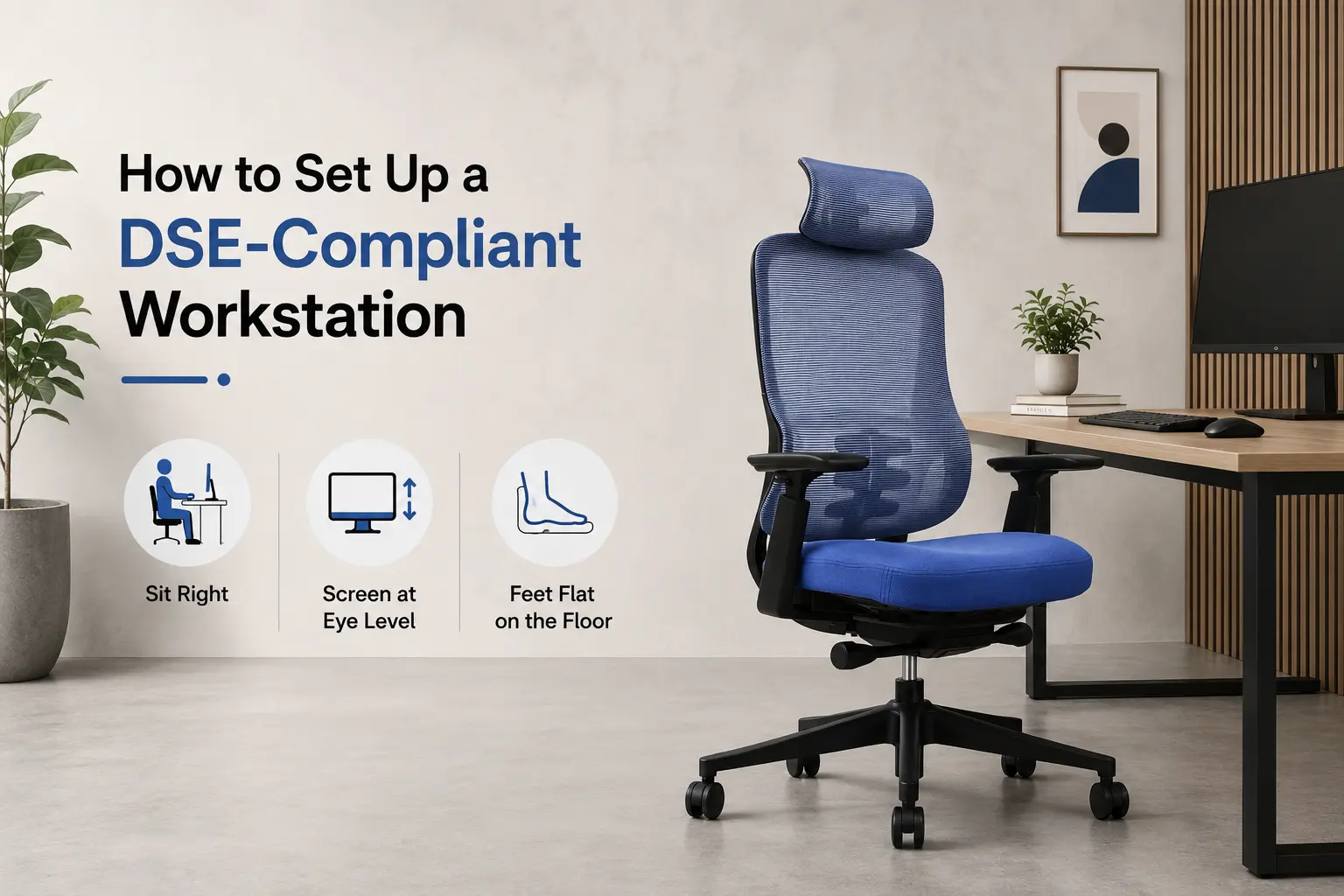
Most employers know DSE compliance exists. Far fewer have a clear sense of what it actually requires until a staff member raises a formal complaint or a Health and Safety inspection flags a gap.
The Health and Safety (Display Screen Equipment) Regulations have been in place since 1992. The obligations have not changed much, but the scale of screen-based work has grown considerably. Hybrid working has added more complexity. People are splitting their weeks between office desks and kitchen tables, and the regulations apply equally to both. This guide explains what a compliant workstation actually looks like and how to run through it without it becoming a paperwork exercise.
Who Do the DSE Regulations Apply To?
The regulations cover workers who use display screen equipment as a significant part of their day. The HSE guidance points to anyone using a screen for continuous periods of an hour or more, repeatedly throughout the working day. If that describes most of your workforce, the obligations apply across the board.
Your duties as an employer include:
- Carrying out DSE assessments for all qualifying users
- Making sure every workstation meets the minimum requirements in the regulations
- Offering eye tests on request and covering the cost of basic corrective lenses if needed specifically for screen work
- Giving employees clear information and training on DSE risks
Home workers and hybrid workers are included. The regulations follow the activity, not the location. If someone regularly uses a screen at home as part of their job, you have the same obligations as you would for their office setup. The HSE sets out the full scope of employer duties in its Display Screen Equipment guidance.
What Does a DSE Workstation Assessment Cover?
It is a structured check across five areas, not a lengthy inspection. Here is what each one involves.
Screen position
The monitor should sit at roughly arm’s length, with the top of the screen at or just below eye level. Glare and reflections are worth checking, particularly in rooms with windows directly behind the screen or strong overhead lighting. Brightness and contrast should be adjustable by the user.
The chair
This is where most workstation problems start. The chair needs an adjustable seat height, a stable base, and proper lumbar support. The user should be able to sit with their feet flat on the floor, thighs roughly horizontal, and their lower back supported without having to lean or slouch. If the chair cannot be adjusted to suit the individual, that is the first thing to fix. Our guide to choosing a chair for lower back support covers what to look for in more detail.
Desk and keyboard
The keyboard should be positioned so the user can keep their wrists relatively flat while typing. There should be enough room on the desk to rest the hands and forearms comfortably. The mouse needs to sit close to the keyboard at the same height, not stretched out to one side.
Working environment
Lighting should be adequate without creating glare on the screen. Temperature, ventilation, and noise all feed into comfort over a long working day, and are worth noting in shared or open-plan spaces.
Working habits
Equipment alone does not tell the whole story. The HSE recommends short, frequent breaks rather than longer, less frequent ones. Even a few minutes away from the screen every hour makes a meaningful difference over a full day. Our guide to how to sit correctly in an office chair explains how posture and habits interact over time.
Where Do Employers Most Often Fall Short?
A few issues come up in almost every environment.
Chair adjustment is the most common. Offices tend to have chairs that were set once and never changed, or chairs that are adjustable in theory but never touched because nobody explained how. A chair calibrated for one person and used by another is non-compliant, even if the chair itself meets every specification.
Laptops are the next problem. A laptop screen used flat on a desk is almost always too low. Workers using a laptop at home often lack the separate keyboard and monitor stand they have in the office, so their neck is bent forward for hours at a time.
Home worker assessments are the most frequently missed entirely. It is easy to equip an office properly and then overlook that the same employees spend two or three days a week at an unassessed setup. The Health and Safety (Display Screen Equipment) Regulations 1992 make no distinction between the two environments.
Why the Chair Is Usually the Most Important Part of the Setup
Most workstation problems have inexpensive fixes. A monitor stand, a footrest where needed. The chair is different. It takes the most thought, costs the most, and has the most direct impact on how someone feels by the end of the day.
The right adjustment range matters, but so does the quality of the support once the chair is set. Poor lumbar support or the wrong recline tension will cause problems over time regardless of how many levers the chair has. Our guide to what lumbar support actually does explains why this is the thing most people underestimate when buying office seating.
For hot-desking environments, a weight-balanced chair that adjusts its own recline resistance automatically handles variation between different users without anyone needing to reset it. You can read more about how that works in our guide to weight-balanced office chairs and Even Sit technology. And if your concern is more about sustained comfort across a full working day, our guide to ergonomic chairs for all-day use covers what that actually requires.
Frequently Asked Questions
How often do DSE assessments need to be repeated?
There is no fixed interval in the regulations. The requirement is to reassess when there is a significant change: a new workstation, a new user, a change in working patterns, or when an employee raises a concern. Most organisations also run a routine review every one to two years to make sure nothing drifts.
Do remote and hybrid workers need a DSE assessment?
Yes. The regulations apply to the work activity, not the location. A self-assessment form completed by the employee and reviewed by a manager is the standard approach for home-based setups.
Does a DSE assessment need to be carried out by a specialist?
No. A trained employee can carry out assessments. Short qualification courses are available through the HSE and various training providers. The assessor needs to know what to look for and be able to identify and record risks, but specialist credentials are not required.
Is a footrest a DSE requirement?
Only when needed. If the workstation cannot be set up so the user can sit with feet flat on the floor, a footrest becomes necessary. For height-adjustable desks, it is usually not an issue.
What if an employee will not engage with the assessment process?
Document that you made the offer. If a risk is independently identifiable, you are still required to address it. Most non-engagement comes from people not understanding why it matters rather than deliberate refusal.
Key Takeaways
- DSE regulations apply to any regular screen user, including hybrid and home workers
- Assessments cover screen position, chair, desk layout, environment, and working habits
- Chair adjustment and lumbar support are the most common source of workstation complaints
- Home worker assessments are a legal obligation, not an optional extra
- Reassess on any significant change, and run a routine review every one to two years
Getting the Setup Right
DSE compliance is much easier to get right from the start than to fix after a complaint has been raised. A properly assessed workstation, a chair that genuinely suits the person using it, and a clear process for reviewing both on a regular basis covers most of what the regulations require.
The chair is usually where a compliant setup stands or falls. If you are looking for seating that is built to meet DSE requirements, explore the JH Chairs ergonomic office chair range. Every chair is tested to UKAC-5459 standards, carries a ten-year warranty, and is available with next-day dispatch across the UK with no minimum order.