
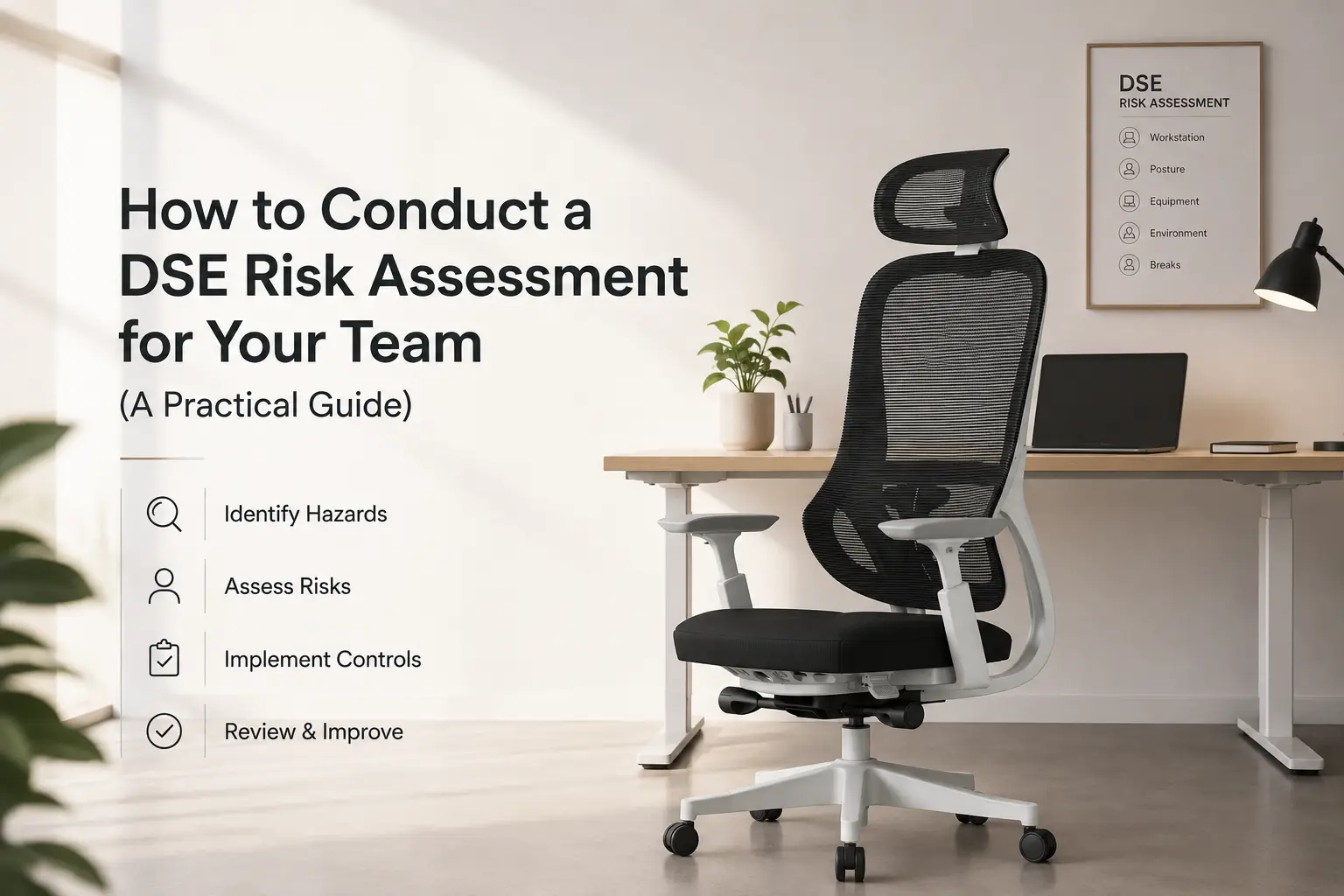
DSE risk assessments are a legal requirement for any business with screen-based workers in the UK and Ireland. Most employers know they need to do them. Far fewer have a clear, repeatable process for actually carrying them out, documenting the findings, and acting on what they discover.
This guide gives you that process, step by step. It is based on the HSE’s guidance on display screen equipment, and is written for HR managers, facilities teams, and anyone responsible for workplace health and safety who needs a practical framework rather than a legal summary.
Who Needs a DSE Risk Assessment?
The Health and Safety (Display Screen Equipment) Regulations 1992 apply to workers who use display screen equipment as a significant part of their normal work. That broadly means anyone using a screen for continuous periods of an hour or more, repeatedly throughout the working day.
This includes office-based staff, home workers, and hybrid workers. The location does not change the obligation. If someone regularly works from home using a screen, you are required to assess their setup in the same way you would an office workstation.
If you are unsure whether a role qualifies, default to including it. Carrying out an assessment for someone who did not strictly need one costs very little. Missing an assessment for someone who did need one is a compliance risk.
How to Conduct a DSE Risk Assessment: 6 Steps
Step 1: Identify Your DSE Users
Start by listing every employee who uses a screen as a regular part of their role. Include office staff, home workers, and anyone on a hybrid arrangement. Part-time workers qualify if their screen use meets the threshold within their working hours.
For home workers, send a short questionnaire asking about their working setup before the assessment. You cannot assess what you cannot see, and a self-reported picture of the workstation gives you the context to make the rest of the process more useful.
Step 2: Use a Structured Assessment Form
Cover these five areas consistently across every workstation. A standard form ensures nothing is missed and creates a comparable record across your workforce.
The five areas to cover in every assessment are:
- The screen: position, height, glare, brightness, and whether it can be adjusted by the user
- The chair: seat height, lumbar support, backrest adjustment, and whether the user’s feet can sit flat on the floor
- The desk and keyboard: keyboard position, wrist angle, mouse placement, and available forearm rest space
- The working environment: lighting, temperature, ventilation, and noise in the workspace
- Working habits: frequency of breaks, posture habits, and whether the user has received DSE training
The chair is the area where most assessments uncover the most problems. A chair that cannot be adjusted to suit the individual user is a compliance gap regardless of how good everything else in the workstation is.
Step 3: Carry Out the Assessment
Assessments can be carried out by a trained employee. A specialist ergonomist is not required. Many organisations train an internal assessor through a short qualification course, which covers everything needed to identify and record DSE risks competently.
For office workers, assessments are best done at the actual workstation during normal working hours so posture and positioning can be observed in context. For home workers, a completed self-assessment form reviewed by a manager or trained assessor is the standard approach.
Pay particular attention to the chair: has the user adjusted it, does the lumbar make contact with their lower back, and can they sit with feet flat on the floor? Our guide to how to sit correctly in an office chair gives a clear reference point for what a correctly set up position looks like.
Step 4: Record Your Findings
Every assessment must be documented. The record should include the date, the workstation assessed, the assessor’s name, and a clear description of any risks identified. You do not need a perfect workstation to have a compliant assessment. You need evidence that you looked, recorded what you found, and acted on any risks.
Keep records accessible and review them alongside any future assessments for the same employee. A pattern of repeated issues at the same workstation is useful information and may point to a structural problem rather than an adjustment issue.
A documented assessment with identified risks and a plan to address them is more defensible than an undocumented assumption that everything is fine. The record is what demonstrates compliance, not the assessment itself.
Step 5: Act on What You Find
Identifying a risk and not acting on it is worse than not assessing at all. Once a risk is on record, you are required to take reasonable steps to address it.
Common findings and their fixes:
- Chair cannot be adjusted to suit the user: replace or supplement with a footrest if desk height is fixed
- Monitor too low: provide a monitor stand or adjustable arm
- Lumbar support not making contact: adjust backrest height, or consider a chair with a floating lumbar that follows movement
- Keyboard and mouse too far away: rearrange the desk layout or provide a keyboard tray
- Glare on screen: reposition the monitor, add a screen filter, or adjust window blinds
- User not taking adequate breaks: provide training and consider software-based break reminders
Where the chair is the issue, our guide to chairs for lower back support covers what to prioritise, and our guide on what lumbar support actually does explains why a floating lumbar and a fixed pad are not interchangeable.
Step 6: Review and Repeat
DSE assessments are not a one-time exercise. The regulations require you to reassess whenever there is a significant change: a new workstation, a new user, a change in working patterns, or when an employee raises a concern about their setup.
Most organisations set a routine review cycle of one to two years alongside the trigger-based reassessments. This keeps the process manageable and ensures nobody’s setup drifts out of compliance between changes.
For teams that have not yet assessed home setups following a move to hybrid working, that is the most pressing gap to close. Our DSE workstation setup guide covers employer obligations across both office and home environments.
Why Does the Chair Keep Coming Up in DSE Assessments?
Because it is the hardest part of a workstation to get right and the easiest to get wrong. A monitor stand or a keyboard tray is a straightforward fix. A chair that does not support the user correctly is a more complex problem, particularly in shared or hot-desking environments where the same chair needs to work for different people across the day.
A weight-balanced chair adjusts its recline resistance automatically to whoever sits down, removing one of the most commonly skipped manual adjustments. For shared workstations, that matters every time a different person sits down. Our guide to weight-balanced chairs and Even Sit technology explains how the mechanism works and why it reduces the adjustment burden in mixed-use environments.
Frequently Asked Questions
Does a DSE risk assessment need to be carried out by a qualified person?
No. The assessment can be carried out by a trained employee, not necessarily a specialist ergonomist. Short qualification courses are available through the HSE and various training providers. The assessor needs to know what to look for and be able to record risks clearly, but formal ergonomics credentials are not required.
How long does a DSE risk assessment take?
For an individual workstation, a thorough assessment typically takes fifteen to thirty minutes. For a home worker using a self-assessment form, completion usually takes ten to fifteen minutes on their end, with a shorter review time from the assessor. The time investment is modest relative to the compliance and wellbeing benefit.
What happens if a risk is identified but cannot be immediately resolved?
Document the risk and the planned action to address it, with a realistic timescale. You are not required to fix everything on the day of the assessment, but you are required to have a plan and to follow through. Leaving a documented risk unaddressed for an extended period without a clear reason creates a compliance problem.
Do DSE assessments cover mental health and stress, or just physical risks?
The DSE Regulations focus on physical workstation risks. Mental health, workload, and stress fall under broader health and safety duties rather than DSE specifically. That said, a workstation that causes physical discomfort, such as back pain from an unsupportive chair, will compound fatigue and affect concentration over time. Addressing physical risks is part of the overall picture.
How do I assess a home worker’s DSE setup if I cannot visit their workspace?
A self-assessment form completed by the employee is the standard approach. It should cover the same five areas as an office assessment: screen, chair, desk and keyboard, environment, and working habits. The assessor reviews the form and follows up on any risks identified. A video call walkthrough is sometimes used for more complex setups or where a self-report raises concerns.
A Process You Can Actually Use
DSE compliance does not need to be complicated. A structured form, a trained assessor, clear documentation, and a reliable process for following up on findings covers the vast majority of what the regulations require. The harder part is usually the chair, and that is where the choice of seating matters most.
If your assessments are consistently flagging chair-related issues, that is worth addressing at a product level rather than workstation by workstation. Explore the JH Chairs DSE-compliant ergonomic range. Every chair is certified to UKAC-5459 standards, carries a ten-year warranty, and is available with next-day dispatch across the UK and Ireland. No minimum order required.