
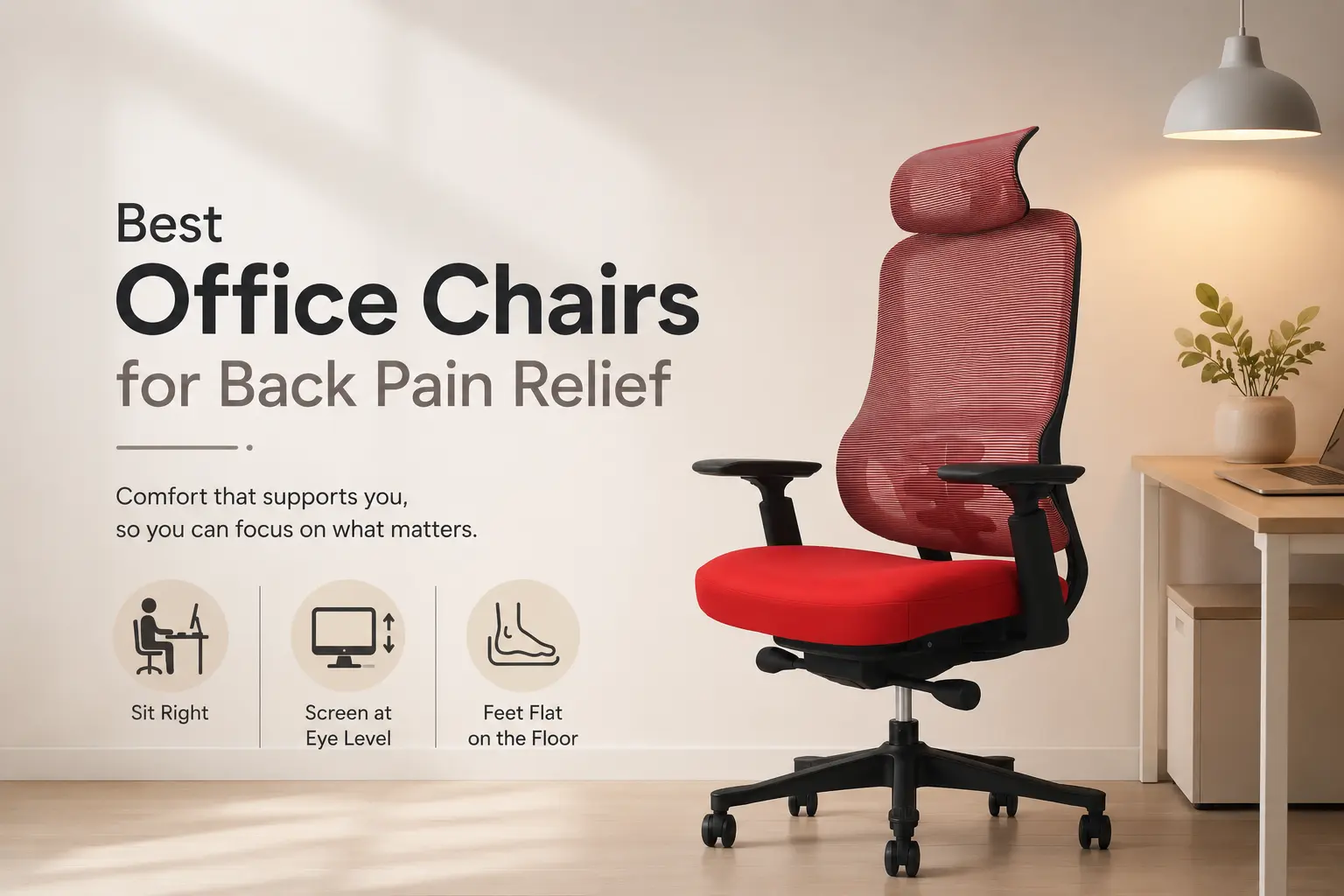
If your back hurts at the end of the working day, the instinct is often to look for a better chair. That instinct is usually right. But the chair alone is rarely the whole story.
Most back discomfort that builds up during desk work comes from the same combination: a seat that does not support the lower back, a posture that drifts as the hours pass, and a chair that was never set up correctly for the person using it. A better chair helps with all three, but only if it has the right design.
This guide cuts through the noise and focuses on what actually matters when choosing a chair with back support in mind.
Why Is Your Current Chair Making Your Back Worse?
The lower back has a natural inward curve. When that curve is not supported, the muscles holding your spine in position have to work continuously to compensate. Over hours, they fatigue. Posture drops. Discomfort builds. This is the mechanism behind most desk-related back complaints, and it is well documented by the HSE’s guidance on back pain at work.
A chair that looks perfectly fine can still be the source of the problem. If the lumbar support is in the wrong position, or fixed rather than adjustable, it may not be making contact with your spine at all. A seat that is too deep pushes the pelvis backward. One set too high puts pressure behind the knees and shifts weight forward. Any of these will cause discomfort over time regardless of how much the chair cost.
The most common chair-related posture problem is not sitting badly. It is a chair that makes it impossible to sit well, regardless of how hard you try.
What Should You Actually Look for in a Chair for Back Pain?
Lumbar support that follows you
A fixed lumbar pad is better than nothing, but it only works when you are sitting in one specific position. As soon as you shift forward, lean back, or move during the day, it loses contact with your spine. A floating lumbar support that moves with the backrest stays in contact through changes in position, which is considerably more useful for anyone sitting for extended periods. Our guide on what lumbar support actually does explains the difference in more detail.
Recline that works with your body weight
Recline tension is almost always set at a default that works for nobody in particular. Too stiff and the chair resists movement, locking you into one position. Too loose and you sink back with no resistance at all. A weight-balanced mechanism adjusts automatically to whoever is sitting in the chair, so movement feels natural rather than something you have to fight against or compensate for.
Seat height and depth you can actually set
Your feet should sit flat on the floor, thighs roughly horizontal, with no pressure behind the knees. Many chairs have a limited height range or fixed seat depth that creates a gap between the lumbar support and the lower back when the user sits all the way back. Either problem undermines everything else the chair is trying to do.
A backrest that makes contact across your whole back
The backrest needs to support the full length of the spine, not just the lumbar region. For anyone who carries tension in the upper back and shoulders alongside lower back discomfort, a high back design makes a real difference to how they feel by the end of the day.
Getting the chair right is only part of it. How you sit matters too. Our guide on how to sit correctly in an office chair covers the posture habits that make any chair work harder for you.
What Common Chair Features Actually Make Back Pain Worse?
Not all ergonomic claims are equal. A few things to be cautious about. Chairs with lumbar pads that only adjust vertically but not in depth may never make proper contact with your spine regardless of where you position them. Chairs with very firm seat cushions that do not distribute weight evenly put more pressure through the sitting bones and can aggravate lower back tension. And chairs marketed as ergonomic without independent certification have no verified baseline for how they perform in sustained use. You can read more about what signs to look for if your chair is causing back pain in our dedicated guide.
Does the Rest of the Workstation Setup Matter?
Yes, and more than most people account for. A good chair sitting under a desk at the wrong height, with a monitor positioned too low or to one side, will still cause back and neck strain because the chair cannot compensate for a poorly arranged environment. DSE workstation setup matters alongside the chair. Employers in the UK and Ireland have a legal obligation to assess screen-based workstations, but even for home workers the principle is the same: the chair works as part of a system, not in isolation.
If you are choosing a chair specifically because you sit for long hours and want better support across the full working day, our guide to ergonomic chairs for all-day use goes into more detail on what sustained sitting actually demands from a chair.
Frequently Asked Questions
Can an office chair actually help with existing back pain?
A better chair will not resolve an underlying condition on its own, but it can stop making things worse and give your back a better environment throughout the working day. The key factors are proper lumbar support, correct seat height, and a chair that supports your spine through movement rather than only in a static position. Our guide to choosing a chair for lower back support covers what to prioritise when back pain is already present.
What is the most important feature in a chair for back pain?
Lumbar support that stays in contact with your spine through movement is the single most important feature. A fixed lumbar pad only works when you are in one specific position. As soon as you shift or lean, you lose the support. A floating lumbar that moves with the chair maintains contact regardless of how you are sitting at any given moment.
How do I know if my current chair is causing my back pain?
The most common signs are discomfort that builds throughout the day and eases when you stand or move, pain concentrated in the lower back or between the shoulder blades, and a tendency to sit forward on the edge of the seat rather than using the backrest. Our guide on signs your office chair is causing back pain covers this in more detail.
Is a more expensive chair always better for back pain?
Not automatically. Price is a reasonable proxy for quality up to a point, but what matters is whether the specific design features match what your back actually needs. A chair with a floating lumbar, weight-balanced recline, and correct seat depth will do more for back comfort than an expensive chair with a fixed lumbar pad and limited adjustability.
Do I need an ergonomic chair even if I only sit for a few hours a day?
The less you sit, the less critical the chair becomes. But even for shorter sessions, a chair that puts your spine in a poor position accumulates its effect over weeks and months. If you are working from home in the UK or Ireland and using a kitchen chair or a chair that was never designed for desk work, the case for upgrading is still reasonable even at lower hours.
Choosing the Right Chair for Your Back
Back discomfort that builds up through the working day is not something you just have to live with. In most cases it comes back to something specific about the chair or the setup around it, and both are fixable.
The chairs in the JH Chairs range are built around the features that matter most for back support: floating lumbar, Even Sit weight-balancing, UKAC-5459 certification, and a ten-year warranty. If you want seating that is genuinely designed to support your back through a full working day, explore the JH Chairs ergonomic range. Next-day dispatch is available across the UK and Ireland with no minimum order.